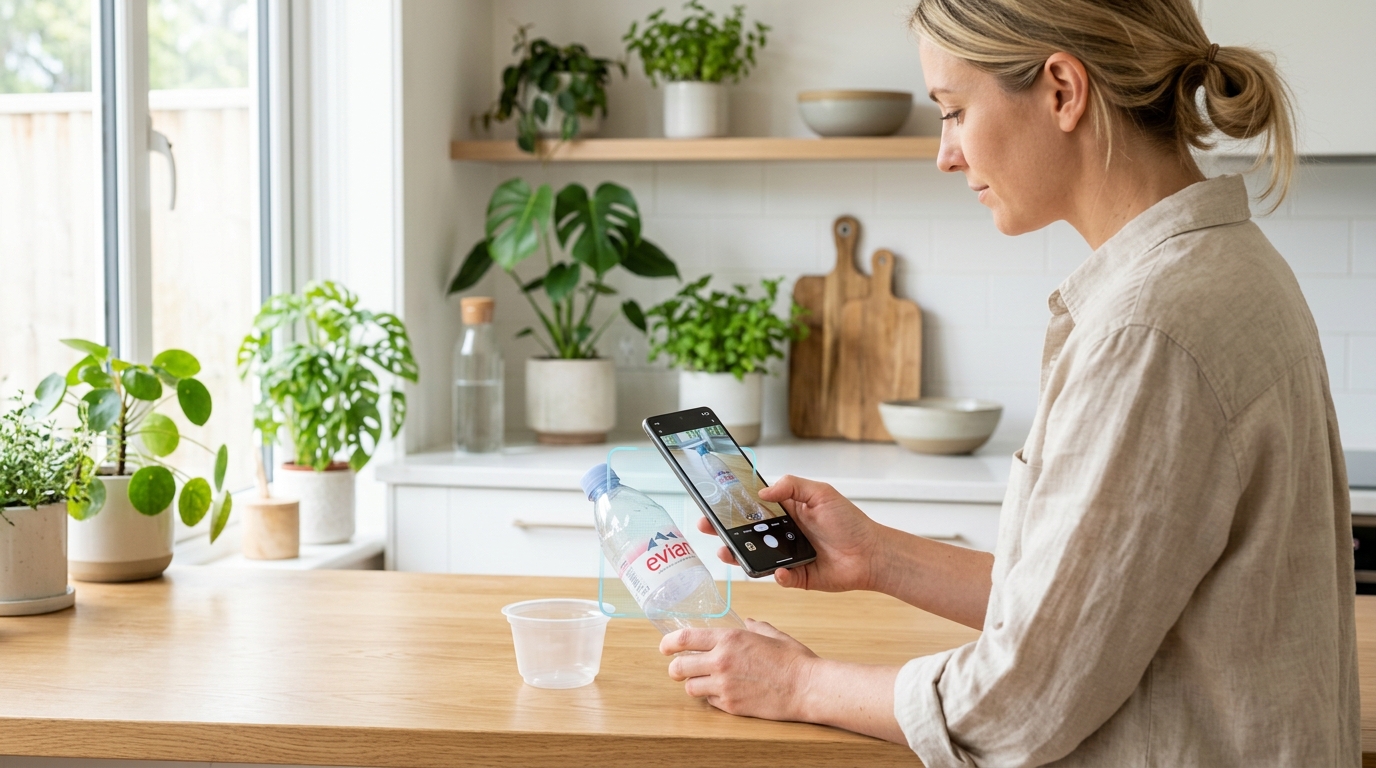
Scan Waste
Take a photo or upload an item to discover exactly what to do and where to take it.
Scan an item
Take a clear photo of your waste to identify its material, concrete action steps, and nearby drop-off facilities.
Supported: JPG, PNG, WEBP (Up to 10 MB)
- Center the object in good lighting
- Show the whole item without heavy blur
- Focus on one primary item at a time
Images are securely processed using AI Vision.
Analyzing your item...
Identifying the object and material.
Item Name
96% AI Confidence
What To Do
Important Notice
Special handling notice.
Potential Environmental Impact
Properly diverting this item conserves natural resources and prevents landfill accumulation.
Recycling and disposal rules vary by location. Always follow local waste-management guidance.
How is this estimated?
Methodology & Assumptions:
- Typical weight estimate based on standard category specifications.
- Illustrative recovery rate assumption.
- These are illustrative estimates, not empirical measurements.
Actual outcomes depend on material composition, item weight, collection logistics, sorting infrastructure, and local processing methods.
Location not set
Set your location above to discover nearby recycling centers and relevant collection points.
Batch Scan
Capture multiple waste items in a single photo, or upload multiple photos. AI Vision will detect and categorize all visible waste streams into their proper disposal paths.
Effective Photo Tips for Vision AI
Follow the 3 visual guidelines below before photographing waste so AI can accurately detect, count, and sort each material type.
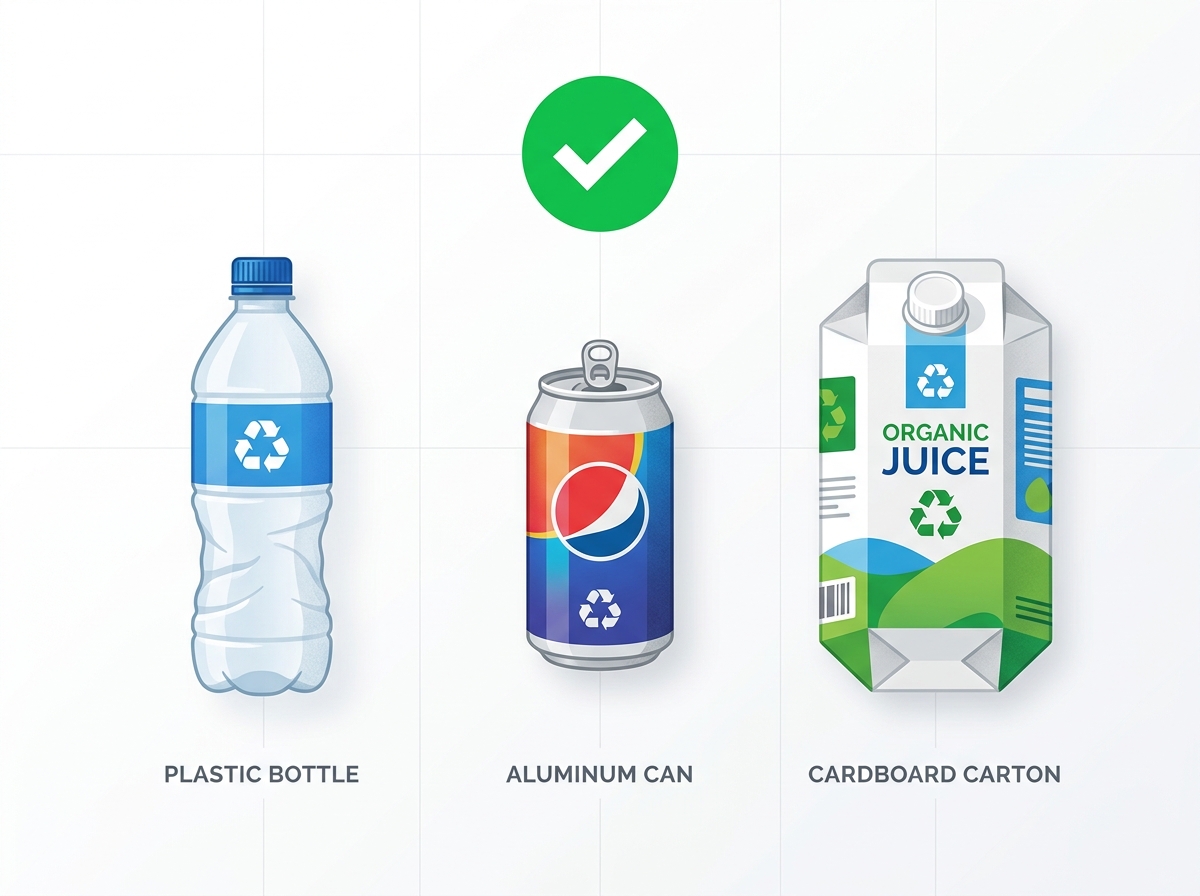
1. Spread & Space Out Items
Lay items across a clean floor or table. Leave a 5–10 cm gap between items so the AI can clearly identify individual contours and silhouettes.
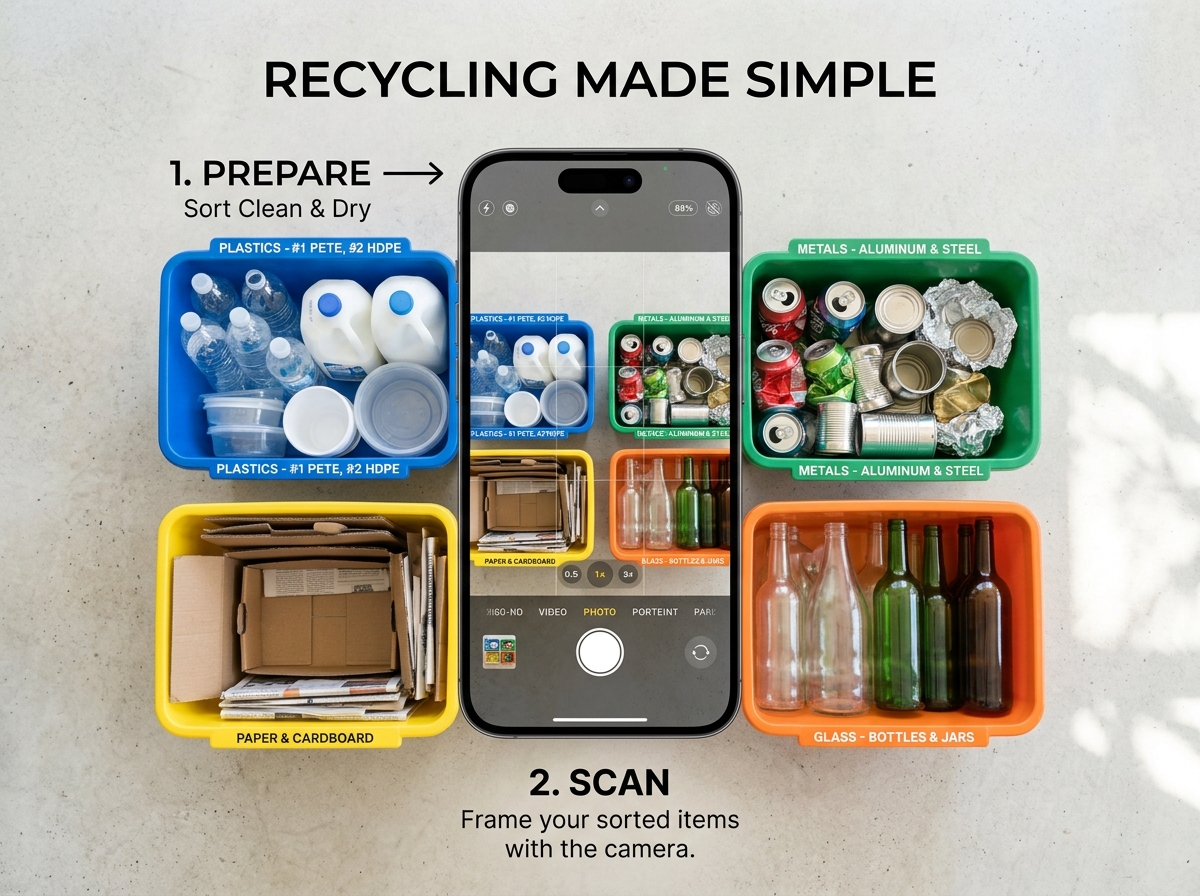
2. Top-Down Angle (45°–90°)
Point your camera from directly above (bird's eye view). Ensure all items fit within the frame without being clipped at the edges.
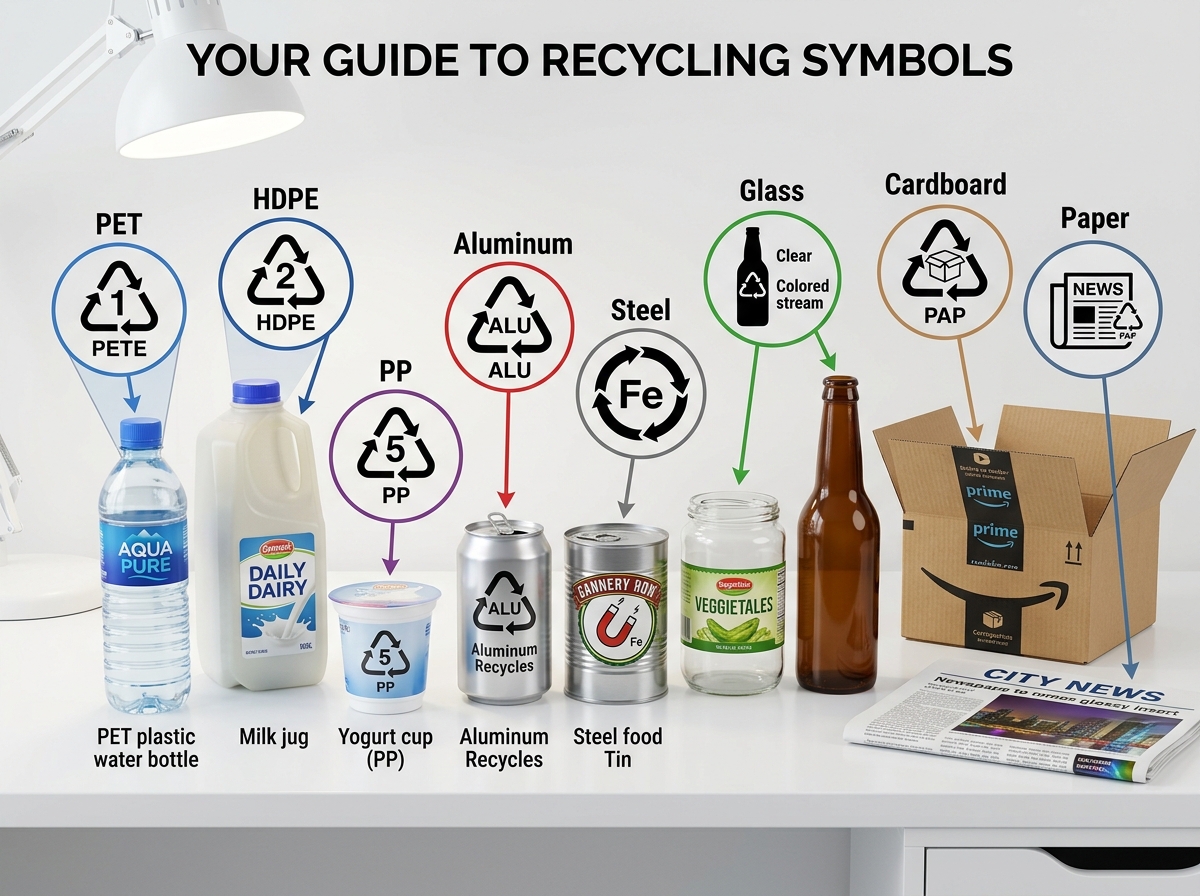
3. Bright Light & Visible Labels
Use bright lighting. Turn packaging labels, logos, and resin recycling codes (PET, HDPE, etc.) facing toward the camera.
Multi-Item Waste Detection
Multiple Items in One Photo? Take 1 photo of your assorted waste spread (bottles, cans, food packaging, etc.). AI Vision will detect every distinct item at once and categorize them automatically. You can also upload multiple images simultaneously.
Supported: 1 photo with assorted items, or multiple photo files (JPG, PNG, WEBP)
Batch is Empty
Take a photo or upload images above to start your batch sorting session.
Recent Scans
Your previously identified waste items.
Clear scan history?
This action cannot be undone.
No scans yet
Your scanned items will appear here.
Your Impact
Estimated environmental impact based on identified materials.
Waste diverted
Items sorted
Scans completed
Community Impact Simulator
See how collective action prevents landfill overflow when more people sort waste properly.
Weekly Eco-Challenges & Badges
Complete weekly missions, maintain your daily streak, and unlock real eco-badges for every waste item you sort.
Weekly Missions
Eco Badges Showcase
Collect eco-achievement badges based on your verified waste sorting actions.
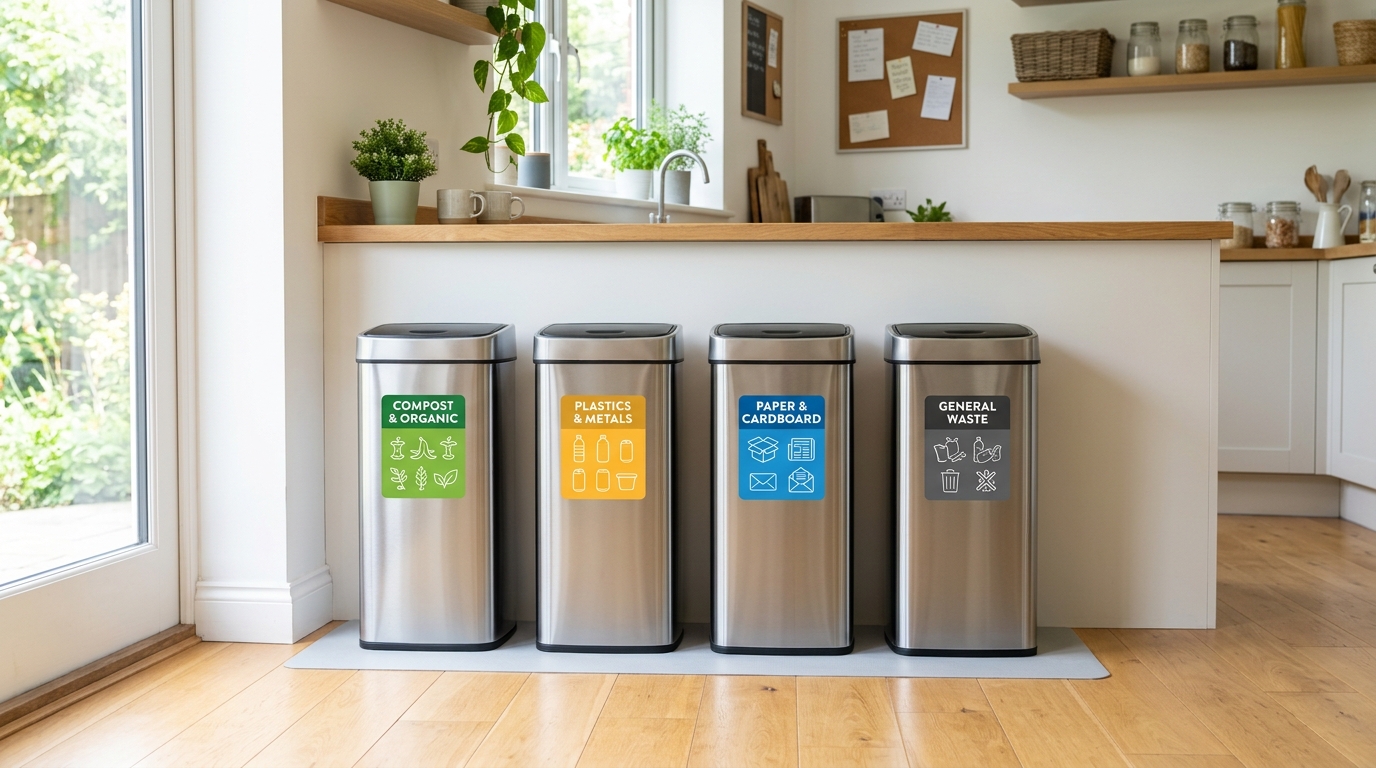
Printable Waste Bin Labels
Customize and print high-resolution A4 sorting stickers for your kitchen, home, or office bins to make waste separation effortless.
Settings
Manage your app preferences and review data sources.